Employee Monitoring for Call Centers
Call centers run on seconds and consistency. AuraMind PRO gives supervisors live visibility into agent screens, activity and schedule adherence, with screenshot evidence for QA — without listening to keystrokes or personal messages.
Problems this solves
- Supervisors cannot see what agents are doing between calls
- QA teams rely on random call samples with no screen context
- Schedule adherence problems surface only at payroll time
Key features
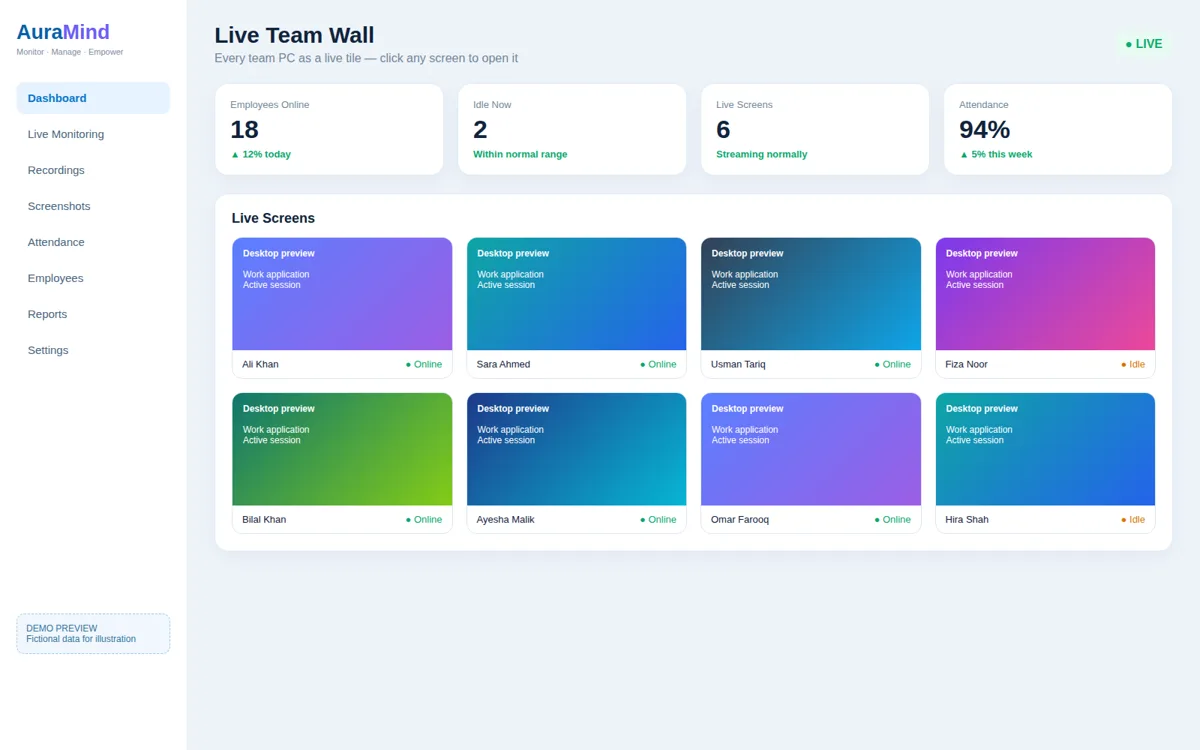
Live Team Wall
Every agent PC as a live tile — spot idle, stuck or training moments instantly.
Live screen & screenshots
Open any agent screen in the moment, or review captures for QA evidence.
App & web activity
See which tools and sites agents use during shifts.
AI Manager Brief
Daily exceptions — attendance, idle time and focus — summarised for team leads.
Benefits
- Fair, evidence-based coaching conversations
- Better schedule adherence across shifts
- Faster QA reviews with screen context
Use cases
- BPO and outsourced contact centers
- In-house support and sales floors
- Night-shift and remote agent teams
How AuraMind PRO approaches monitoring responsibly
AuraMind PRO is built for visibility without keyboard spying. It focuses on work signals — active time, applications and websites used for work, screenshots and live screen where permitted, attendance and workforce analytics — so managers can coach, remove blockers and protect the business without reading private keystrokes or personal messages. Deploy it transparently, tell employees what is collected and why, limit access by role, and review your local employment and privacy requirements before rollout.
Frequently asked questions
Can AuraMind PRO record agent screens for QA?
AuraMind PRO captures screenshots at intervals and offers live screen viewing where permitted, giving QA teams visual context alongside their existing call QA process.
Is this suitable for PCI or sensitive call floors?
Deploy transparently and restrict live screen access by role. Review your compliance and client requirements before rollout, and exclude sensitive systems where required.
Related pages
Live Screen Monitoring · Activity Monitoring · Workforce Analytics
See AuraMind PRO on your own team
Tell us your team size and goals. We will configure the right seats, modules and secure access for a guided evaluation.
Request access → Explore employee monitoring