Monitoring for Software & IT Teams
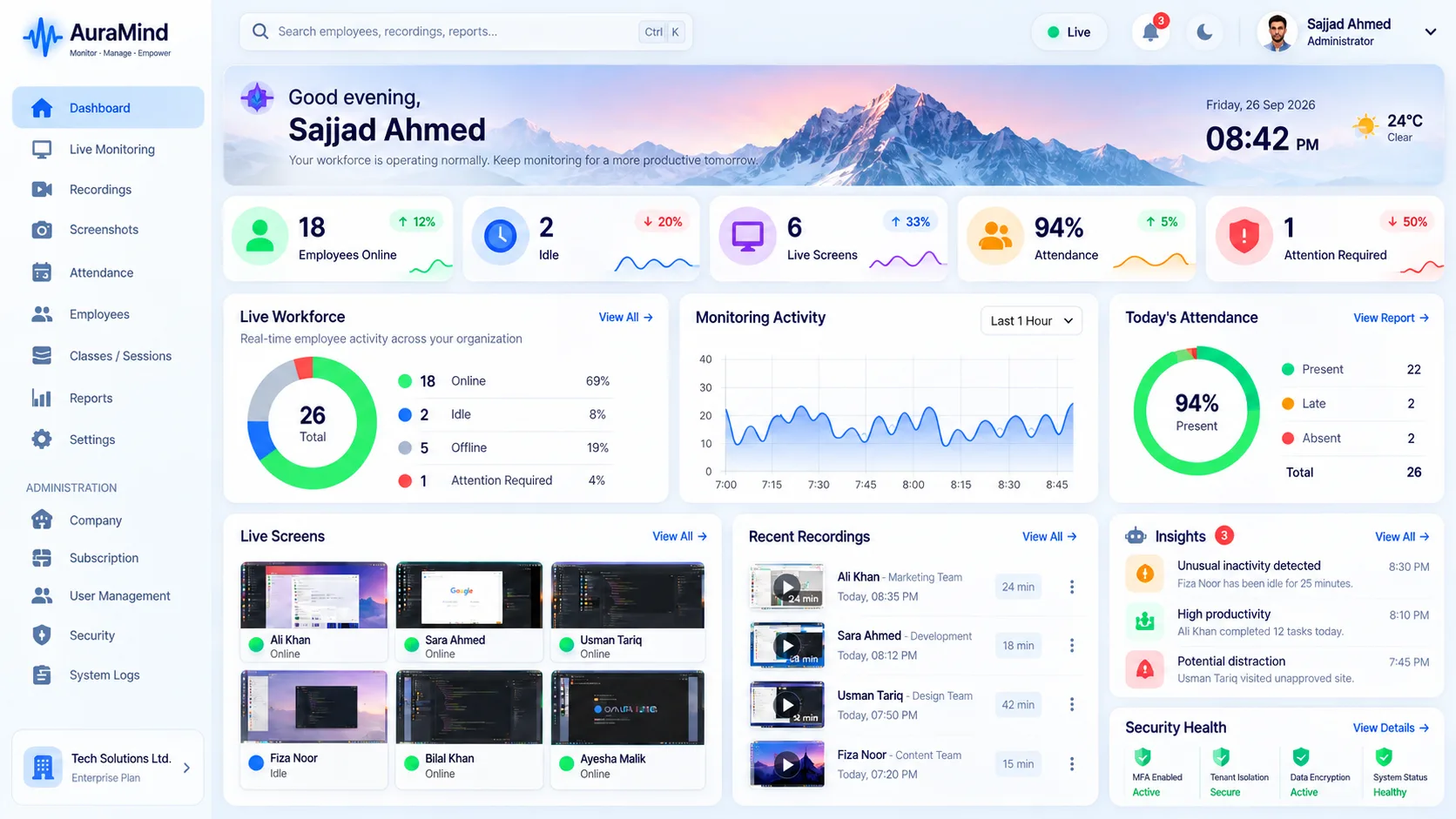
Software teams need focus, not surveillance theatre. AuraMind PRO shows application usage, active time and focus patterns across engineering teams, with live screens for support moments — while deliberately avoiding keystroke logging, so trust survives the tooling.
Problems this solves
- Managers cannot see tool sprawl and context-switching costs
- Remote engineers feel invisible until review time
- Support teams need to see a screen to help, fast
Key features
App usage analytics
See time across IDEs, browsers, docs and communication tools.
Focus & activity trends
Active time patterns that reveal overload and meeting creep.
Live screen for support
Jump to a live view when a teammate is stuck or onboarding.
No keystroke logging
Visibility without reading code as it is typed or private messages.
Benefits
- Healthier conversations about workload and focus
- Evidence for tooling and process decisions
- Visibility that respects senior engineers
Use cases
- Remote-first software companies
- IT support and MSP teams
- Agencies with billable engineering time
How AuraMind PRO approaches monitoring responsibly
AuraMind PRO is built for visibility without keyboard spying. It focuses on work signals — active time, applications and websites used for work, screenshots and live screen where permitted, attendance and workforce analytics — so managers can coach, remove blockers and protect the business without reading private keystrokes or personal messages. Deploy it transparently, tell employees what is collected and why, limit access by role, and review your local employment and privacy requirements before rollout.
Frequently asked questions
Will engineers accept this?
AuraMind PRO is positioned openly: work signals only, no keystroke logging, access limited by role. Transparency and a clear policy are part of the rollout guidance.
Can it show which projects consume time?
App and activity trends show where time goes at team level; pair it with your project tools for ticket-level detail.
Related pages
Productivity Monitoring · Workforce Analytics · Live Screen Monitoring
See AuraMind PRO on your own team
Tell us your team size and goals. We will configure the right seats, modules and secure access for a guided evaluation.
Request access → Explore employee monitoring