Employee Performance Monitoring
Performance conversations are fairer with evidence. AuraMind PRO gives managers focus time, activity patterns, attendance and alert context, so reviews discuss real work and real blockers — and employees are not reduced to a single secret score.
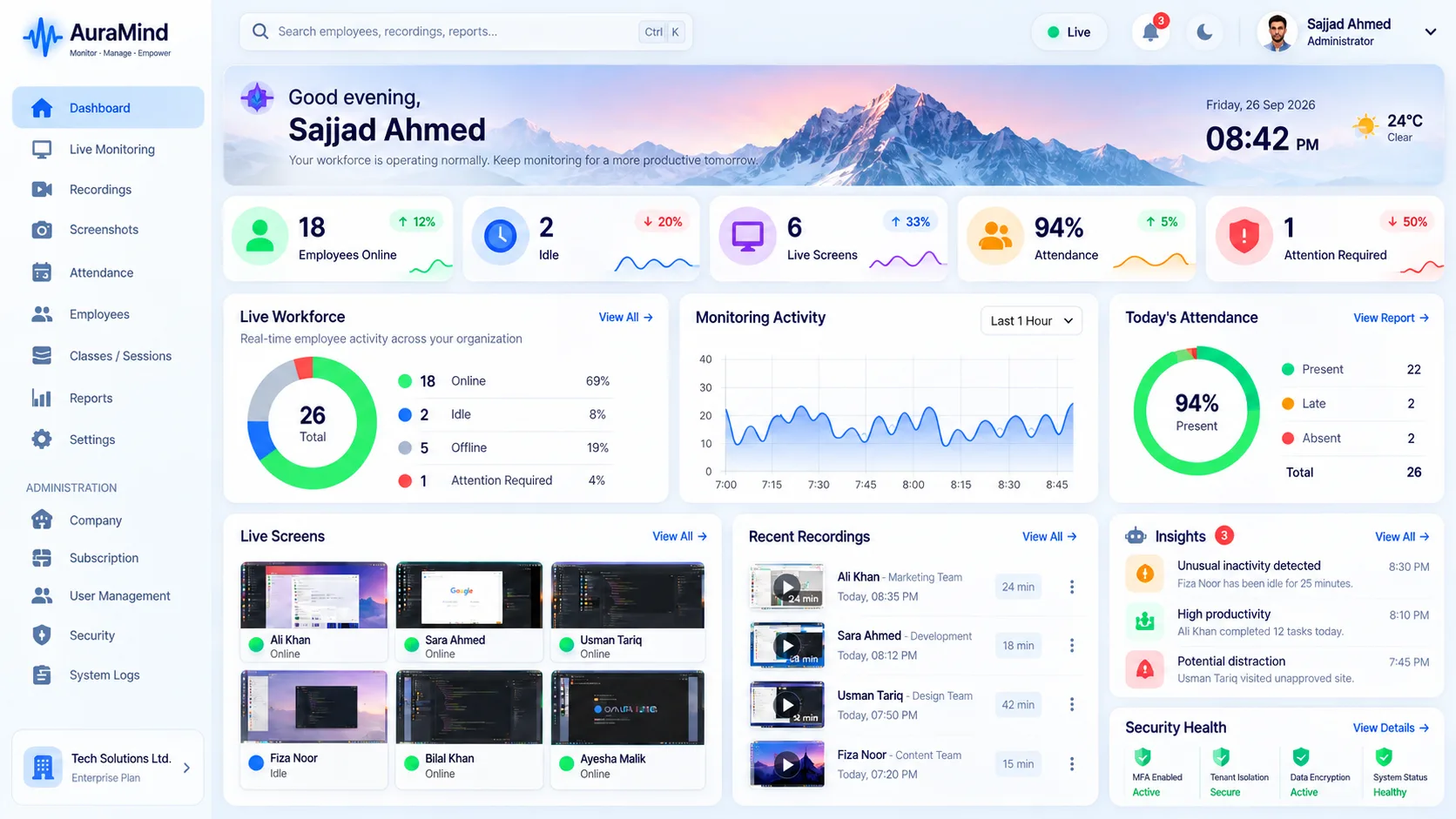
Problems this solves
- Reviews rely on memory and recency bias
- Quiet high performers are overlooked; loud low performers are not
- Employees fear secret scoring they cannot see or challenge
Key features
Explainable signals
Focus, collaboration, activity and attendance shown with their evidence.
Trend view
Performance over periods, not one bad afternoon.
Manager brief
Suggested actions turn signals into coaching steps.
Transparent approach
Share the same signals with employees for two-way reviews.
Benefits for managers and HR
- Fairer reviews with less recency bias
- Earlier help for struggling team members
- Recognition for consistently strong work patterns
Use cases
- Managers running performance cycles
- HR teams improving review quality
- Growing companies formalising management
How AuraMind PRO approaches monitoring responsibly
AuraMind PRO is built for visibility without keyboard spying. It focuses on work signals — active time, applications and websites used for work, screenshots and live screen where permitted, attendance and workforce analytics — so managers can coach, remove blockers and protect the business without reading private keystrokes or personal messages. Deploy it transparently, tell employees what is collected and why, limit access by role, and review your local employment and privacy requirements before rollout.
Frequently asked questions
Should performance monitoring be shared with employees?
Yes. Shared, explainable signals make reviews a conversation instead of a verdict, and improve trust in the system.
Related guides
Productivity Monitoring · Workforce Analytics
See AuraMind PRO on your own team
Tell us your team size and goals. We will configure the right seats, modules and secure access for a guided evaluation.
Request access → Explore employee monitoring