Employee Screen Monitoring
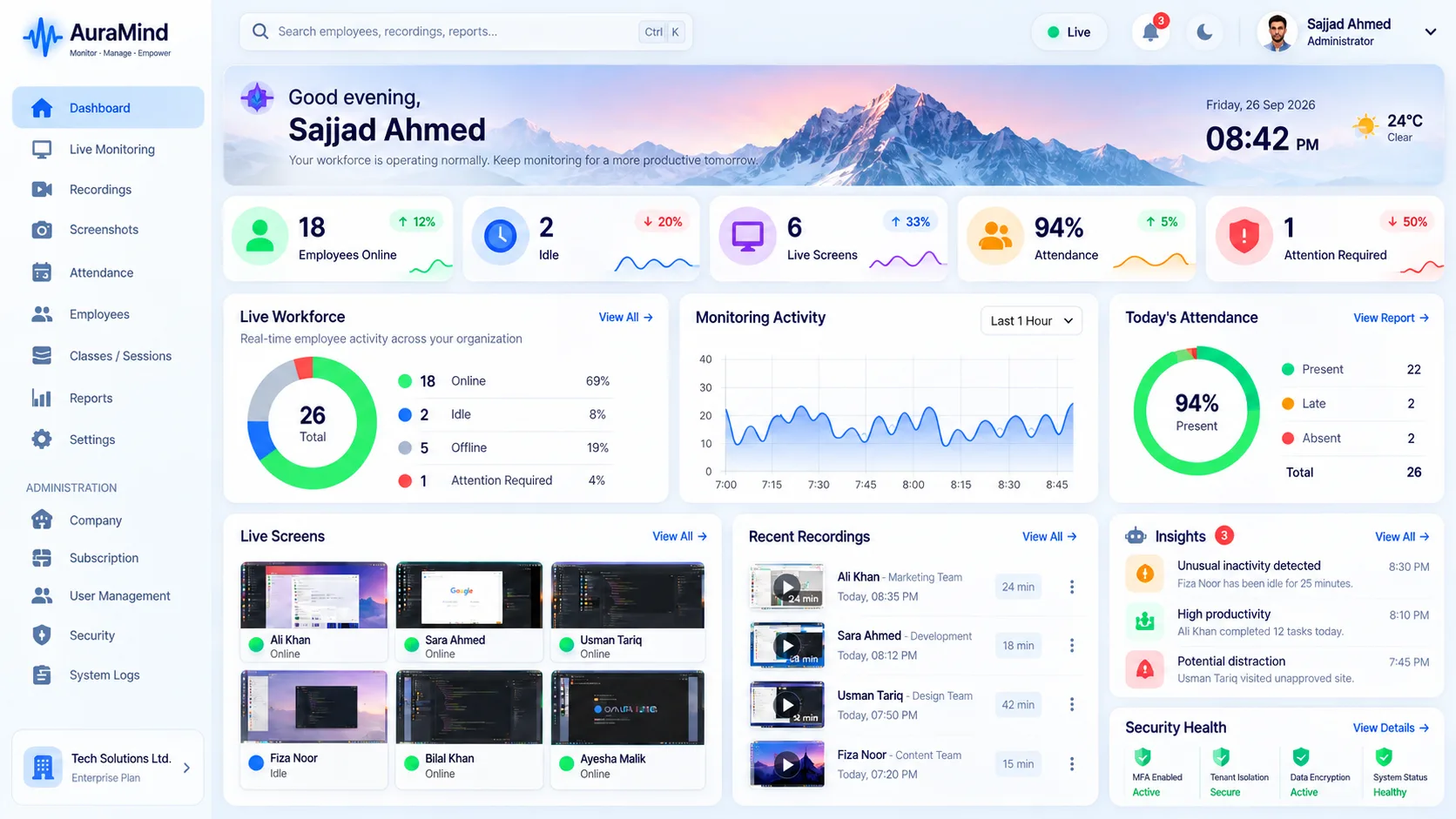
Screen monitoring gives managers visual context that activity logs alone cannot. AuraMind PRO combines live screen, team wall and screenshots so you choose the lightest visibility that fits the job — and keep access tightly permissioned.
Problems this solves
- Activity logs show an app name but not what was actually done
- Disputes about work done have no visual evidence
- Managers either over-watch or fly blind
Key features
Live screen view
Real-time view of a work screen where permitted.
Periodic screenshots
A reviewable visual record at intervals you configure.
Team wall
A floor-level, at-a-glance view of who is active and on what.
Role-based access
Only permitted roles can view screens; access is auditable.
Benefits for managers and HR
- Settle work disputes with evidence, not arguments
- Train faster by seeing the real screen, not a recreation
- Keep oversight proportionate with configurable capture
Use cases
- Remote teams needing visual proof of work
- Quality and compliance review
- Onboarding and training shadowing
How AuraMind PRO approaches monitoring responsibly
AuraMind PRO is built for visibility without keyboard spying. It focuses on work signals — active time, applications and websites used for work, screenshots and live screen where permitted, attendance and workforce analytics — so managers can coach, remove blockers and protect the business without reading private keystrokes or personal messages. Deploy it transparently, tell employees what is collected and why, limit access by role, and review your local employment and privacy requirements before rollout.
Frequently asked questions
What is the difference between live screen and screenshots?
Live screen is real-time and ephemeral; screenshots are periodic stills stored for later review. Many teams use both.
Should employees know screens may be viewed?
Yes. Transparent policies, notice and consent where required are the responsible baseline.
Related guides
Live Screen Monitoring · Employee Monitoring Software
See AuraMind PRO on your own team
Tell us your team size and goals. We will configure the right seats, modules and secure access for a guided evaluation.
Request access → Explore employee monitoring