Employee Time Tracking
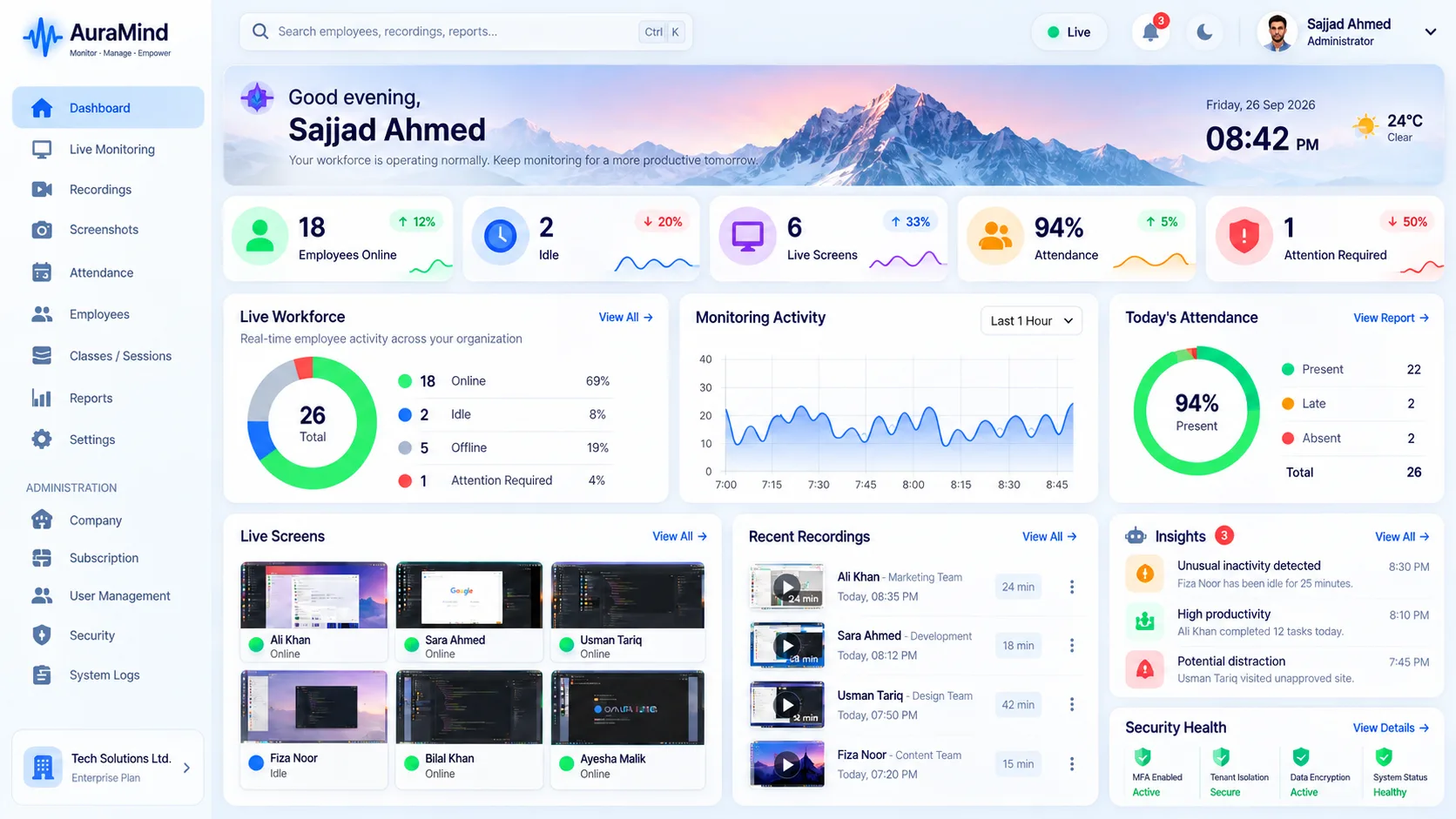
Hours alone do not manage a workforce. AuraMind PRO joins time and attendance signals with activity, so a logged hour comes with context: presence, active time, tools used and exceptions that need review.
Problems this solves
- Timesheets are filled from memory at week end
- Attendance exceptions surface in payroll, weeks late
- Logged hours and actual activity do not match
Key features
Attendance intelligence
Presence and active-time signals alongside schedules.
Activity-joined hours
See which work tools filled the tracked time.
Exception alerts
Late, missing or unusual patterns flagged early.
Payroll-ready context
Cleaner inputs for payroll and client billing review.
Benefits for managers and HR
- Cut timesheet disputes and payroll corrections
- Catch attendance problems while they are still small
- Bill clients on verifiable, contextualised time
Use cases
- Agencies and services firms billing by time
- Shift-based teams with attendance rules
- Finance teams cleaning up payroll inputs
How AuraMind PRO approaches monitoring responsibly
AuraMind PRO is built for visibility without keyboard spying. It focuses on work signals — active time, applications and websites used for work, screenshots and live screen where permitted, attendance and workforce analytics — so managers can coach, remove blockers and protect the business without reading private keystrokes or personal messages. Deploy it transparently, tell employees what is collected and why, limit access by role, and review your local employment and privacy requirements before rollout.
Frequently asked questions
Is time tracking the same as monitoring?
No. Time tracking records when and how long; monitoring adds what work systems were used. AuraMind PRO joins both views.
Related guides
Attendance Management · Employee Monitoring Software
See AuraMind PRO on your own team
Tell us your team size and goals. We will configure the right seats, modules and secure access for a guided evaluation.
Request access → Explore employee monitoring