How to Choose Employee Monitoring Software
The wrong monitoring tool creates either blind spots or resentment. This guide walks through the decisions that matter: which signals you actually need, how much visibility is proportionate, and how to roll a tool out without breaking trust.
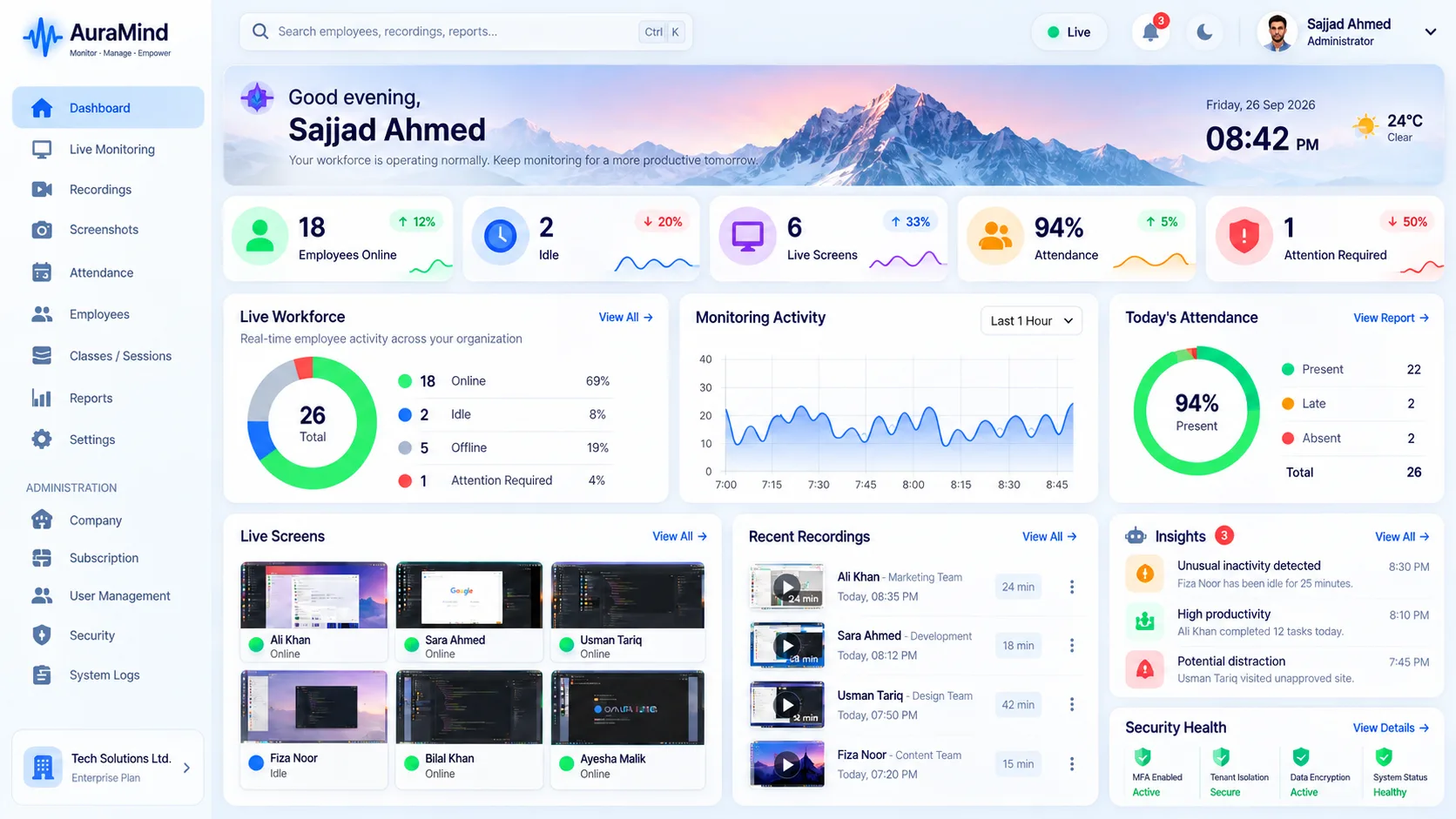
Start with the problem, not the feature list
Decide what decision the software must improve: attendance disputes, remote visibility, QA evidence, workload balance, or client reporting. Tools that try to watch everything usually help with nothing.
Write down the three questions you want answered weekly. Every feature you evaluate should map to one of them.
Choose signals that respect privacy
Work signals — active time, applications used, websites visited for work, screenshots and attendance — answer most management questions. Keystroke logging and message reading rarely do, and they carry heavy trust and legal costs.
AuraMind PRO is deliberately built on work signals only.
Check live visibility and evidence
Dashboards that update daily cannot help a supervisor today. Live screens, a live team wall and timestamped screenshot history turn monitoring into operations instead of archaeology.
Evaluate rollout, not just software
Ask how employees are informed, who can see what, how long data is kept and how access is audited. The best tool fails if the rollout feels secret.
Frequently asked questions
What is the most important feature?
Live, joined-up visibility: attendance, activity and screens in one place, updated as work happens.
Should small businesses use the same tools as enterprises?
Small teams need the same visibility with less admin. Prioritise simple setup and one clear dashboard.
Related pages
Employee Monitoring Software · What Is Employee Monitoring Software? · Compare AuraMind PRO
See AuraMind PRO on your own team
Tell us your team size and goals. We will configure the right seats, modules and secure access for a guided evaluation.
Request access → Explore employee monitoring