What Is Idle Time Tracking?
Idle time tracking measures the gaps between meaningful computer activity. Used well, it reveals workload problems and burnout risk. Used badly, it punishes thinking, reading and calls. The difference is context.
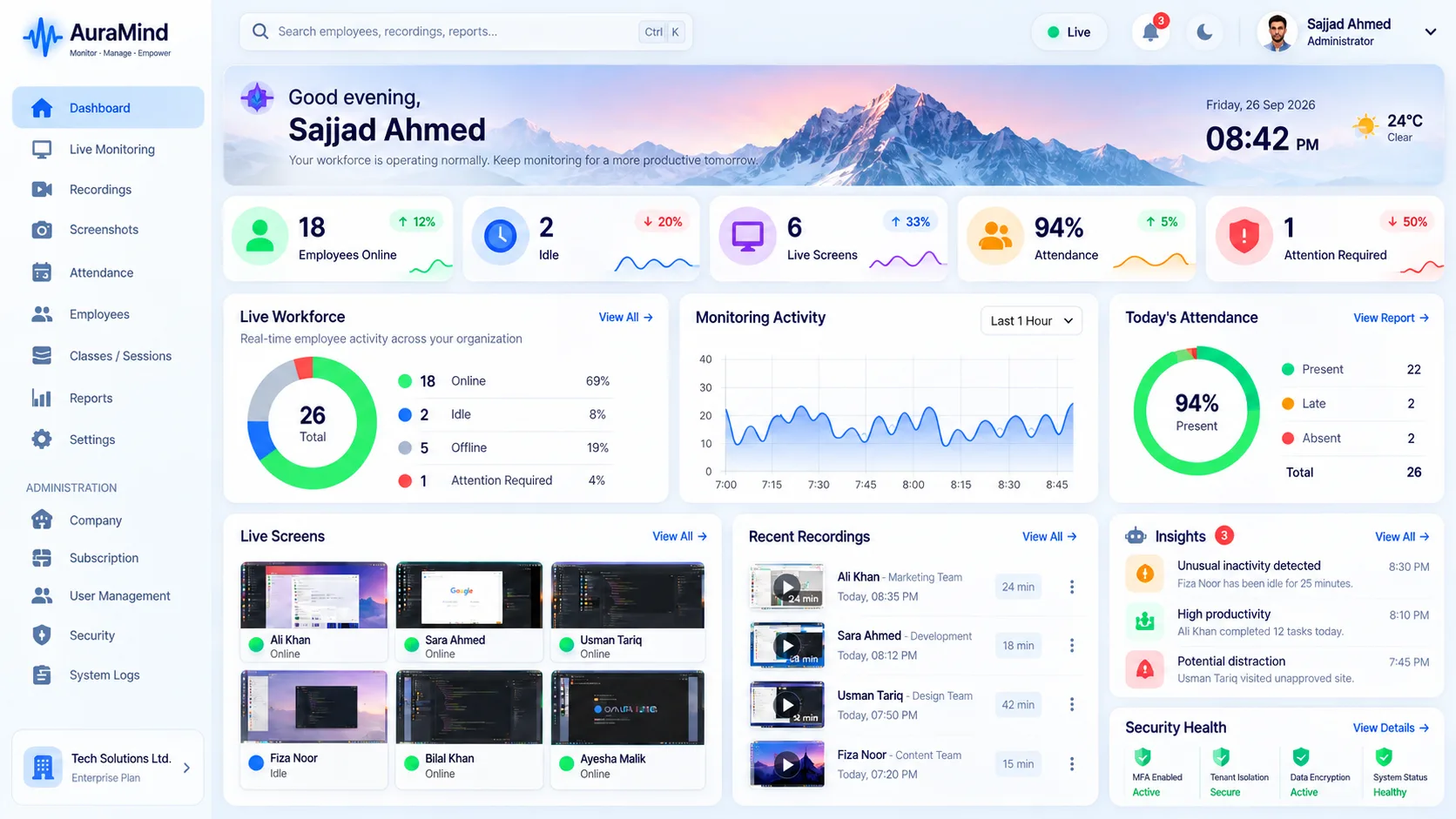
How idle time is measured
Agents watch keyboard, mouse and active-window signals. When no input arrives for a set threshold, the period is marked idle. Thresholds matter: five minutes of reading is work; two silent hours needs a look.
Why idle time misleads without context
Meetings, calls, reading and thinking all look idle to a sensor. That is why AuraMind PRO joins idle data with attendance, applications and screenshots before anyone draws a conclusion.
Fair ways to use idle data
Look at team patterns over weeks, not person-moments. High idle across a team usually means unclear work or blocked systems, not lazy people.
Frequently asked questions
Is idle time the same as unproductive time?
No. Idle means no computer input. Fair reviews join it with meetings, calls and workload before judging.
What idle threshold is reasonable?
Many teams start around 5–10 minutes, then adjust for role. Support and reading-heavy roles need longer thresholds.
Related pages
Activity Monitoring · Productivity Metrics Explained · Productivity Monitoring
See AuraMind PRO on your own team
Tell us your team size and goals. We will configure the right seats, modules and secure access for a guided evaluation.
Request access → Explore employee monitoring