Employee Screenshot Monitoring
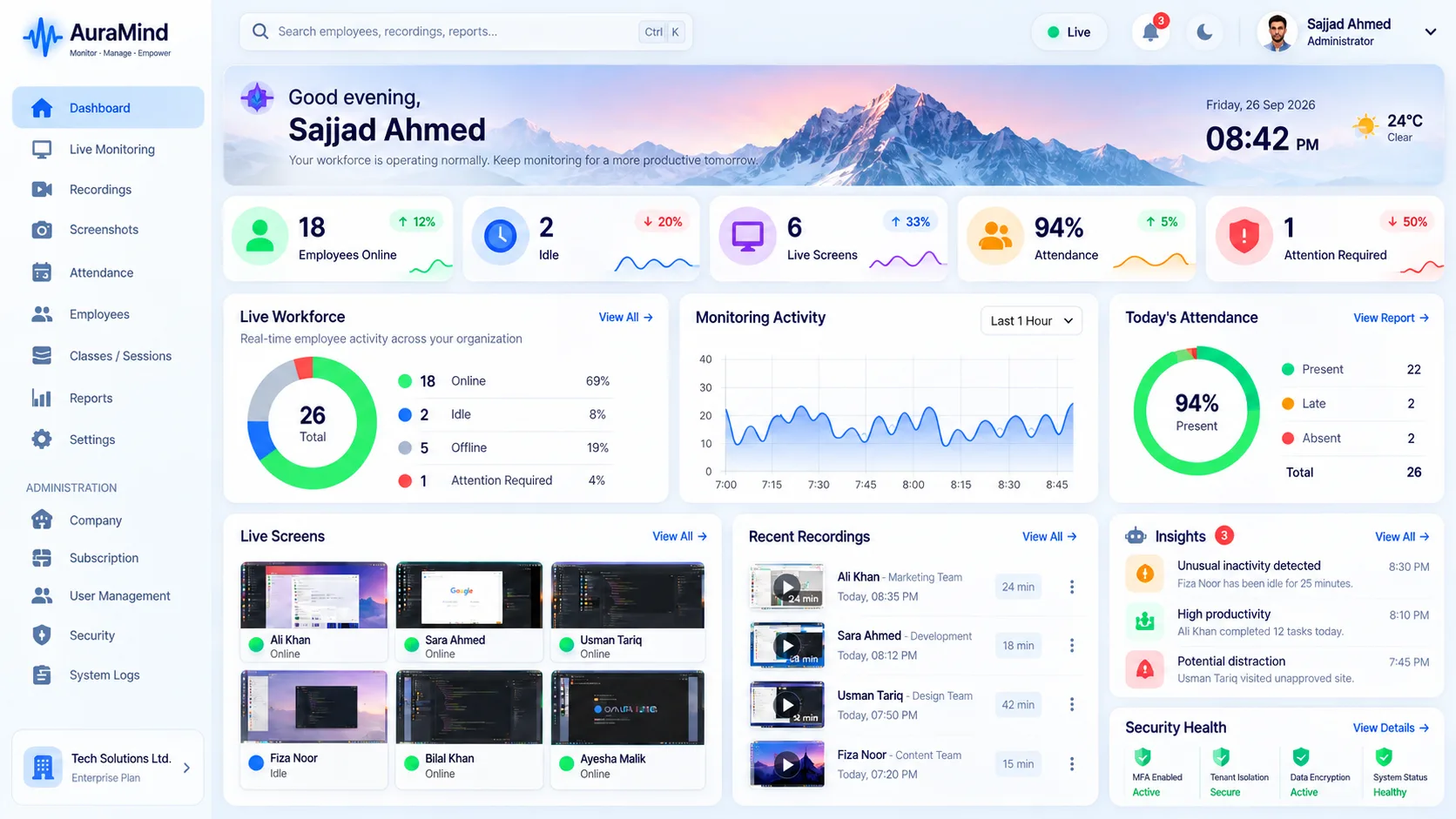
Screenshots create the visual record that activity logs cannot. AuraMind PRO captures periodic screenshots on in-scope PCs at intervals you configure, stores them securely, and limits viewing to permitted roles — so review is evidence-based and proportionate.
Problems this solves
- No visual record when work is disputed
- Reviewing every screenshot manually wastes manager hours
- Screenshot tools without access control create privacy risk
Key features
Configurable capture
Set capture frequency by policy; wall-active PCs can capture more frequently for live feel.
Secure storage & signed access
Screenshot images are served through signed, authenticated access — not public links.
Exception-led review
Pair screenshots with alerts and activity so managers review moments that matter.
Auditability
Know who viewed what, and when.
Benefits for managers and HR
- Resolve disputes quickly with a visual record
- Verify remote work without constant live watching
- Keep oversight proportionate and auditable
Use cases
- Outsourcing and client-billed work needing proof
- Compliance review and quality sampling
- Remote teams replacing hallway visibility
How AuraMind PRO approaches monitoring responsibly
AuraMind PRO is built for visibility without keyboard spying. It focuses on work signals — active time, applications and websites used for work, screenshots and live screen where permitted, attendance and workforce analytics — so managers can coach, remove blockers and protect the business without reading private keystrokes or personal messages. Deploy it transparently, tell employees what is collected and why, limit access by role, and review your local employment and privacy requirements before rollout.
Frequently asked questions
How often should screenshots be taken?
Match frequency to risk and role. Many teams start with moderate intervals and exception-led review rather than maximum capture.
Who can see screenshots?
Only roles you permit. Keep the list short and audit access.
Related guides
Employee Screen Monitoring · Live Screen Monitoring
See AuraMind PRO on your own team
Tell us your team size and goals. We will configure the right seats, modules and secure access for a guided evaluation.
Request access → Explore employee monitoring